Midterm Lecture 6: Image Techniques and Image Maps
Specification: 2px solid border with descriptive alt text

Specification: Width and height set to 5 inches (480px = 5 inches at 96 DPI)

Specification: border-radius: 15px applied to all corners

Specification: border-radius: 30px 0 30px 0 (top-left and bottom-right corners rounded)

Specification: Clickable image linking to external URL

Click the image to visit the University of the East website
Specification: Float: left - Image floats to the left with text wrapping around it
Lorem ipsum dolor sit amet, consectetur adipiscing elit. Sed do eiusmod tempor incididunt ut labore et dolore magna aliqua. Ut enim ad minim veniam, quis nostrud exercitation ullamco laboris nisi ut aliquip ex ea commodo consequat. Duis aute irure dolor in reprehenderit in voluptate velit esse cillum dolore eu fugiat nulla pariatur. Excepteur sint occaecat cupidatat non proident, sunt in culpa qui officia deserunt mollit anim id est laborum. Sed ut perspiciatis unde omnis iste natus error sit voluptatem accusantium doloremque laudantium, totam rem aperiam, eaque ipsa quae ab illo inventore veritatis et quasi architecto beatae vitae dicta sunt explicabo. Nemo enim ipsam voluptatem quia voluptas sit aspernatur aut odit aut fugit.
Specification: Transform: scale(1.1) and Filter: brightness(1.2) - Image scales up and brightens on hover
Hover over the image to see the scaling and brightness effect
Specification: box-shadow: 0 10px 30px rgb(0 0 0 / 0.3), 0 5px 15px rgb(0 0 0 / 0.2) - Multiple layered shadows for depth
Specification: shape-outside: circle(50%) - Circular shape with text wrapping around it
Lorem ipsum dolor sit amet, consectetur adipiscing elit. Sed do eiusmod tempor incididunt ut labore et dolore magna aliqua. Ut enim ad minim veniam, quis nostrud exercitation ullamco laboris nisi ut aliquip ex ea commodo consequat. Duis aute irure dolor in reprehenderit in voluptate velit esse cillum dolore eu fugiat nulla pariatur. Excepteur sint occaecat cupidatat non proident, sunt in culpa qui officia deserunt mollit anim id est laborum. Sed ut perspiciatis unde omnis iste natus error sit voluptatem accusantium doloremque laudantium, totam rem aperiam, eaque ipsa quae ab illo inventore veritatis et quasi architecto beatae vitae dicta sunt explicabo. Nemo enim ipsam voluptatem quia voluptas sit aspernatur aut odit aut fugit.
Specification: shape-outside: polygon(50% 0%, 100% 50%, 50% 100%, 0% 50%) - Diamond/rhombus shape with text wrapping
Lorem ipsum dolor sit amet, consectetur adipiscing elit. Sed do eiusmod tempor incididunt ut labore et dolore magna aliqua. Ut enim ad minim veniam, quis nostrud exercitation ullamco laboris nisi ut aliquip ex ea commodo consequat. Duis aute irure dolor in reprehenderit in voluptate velit esse cillum dolore eu fugiat nulla pariatur. Excepteur sint occaecat cupidatat non proident, sunt in culpa qui officia deserunt mollit anim id est laborum. Sed ut perspiciatis unde omnis iste natus error sit voluptatem accusantium doloremque laudantium, totam rem aperiam, eaque ipsa quae ab illo inventore veritatis et quasi architecto beatae vitae dicta sunt explicabo. Nemo enim ipsam voluptatem quia voluptas sit aspernatur aut odit aut fugit, sed quia consequuntur magni dolores eos qui ratione voluptatem sequi nesciunt. Neque porro quisquam est, qui dolorem ipsum quia dolor sit amet, consectetur, adipisci velit.
Specification: mask-image: linear-gradient(to right, transparent 0%, black 20%, black 80%, transparent 100%) - Gradient mask with text overlay
Favorite Place: Tagaytay, Philippines

Specification: Demonstrating different shape types in an image map (circle, rect, and poly for triangle)
Instructions: Hover over and click on the Red Circle, Green Square, or Blue Triangle to visit their dedicated pages
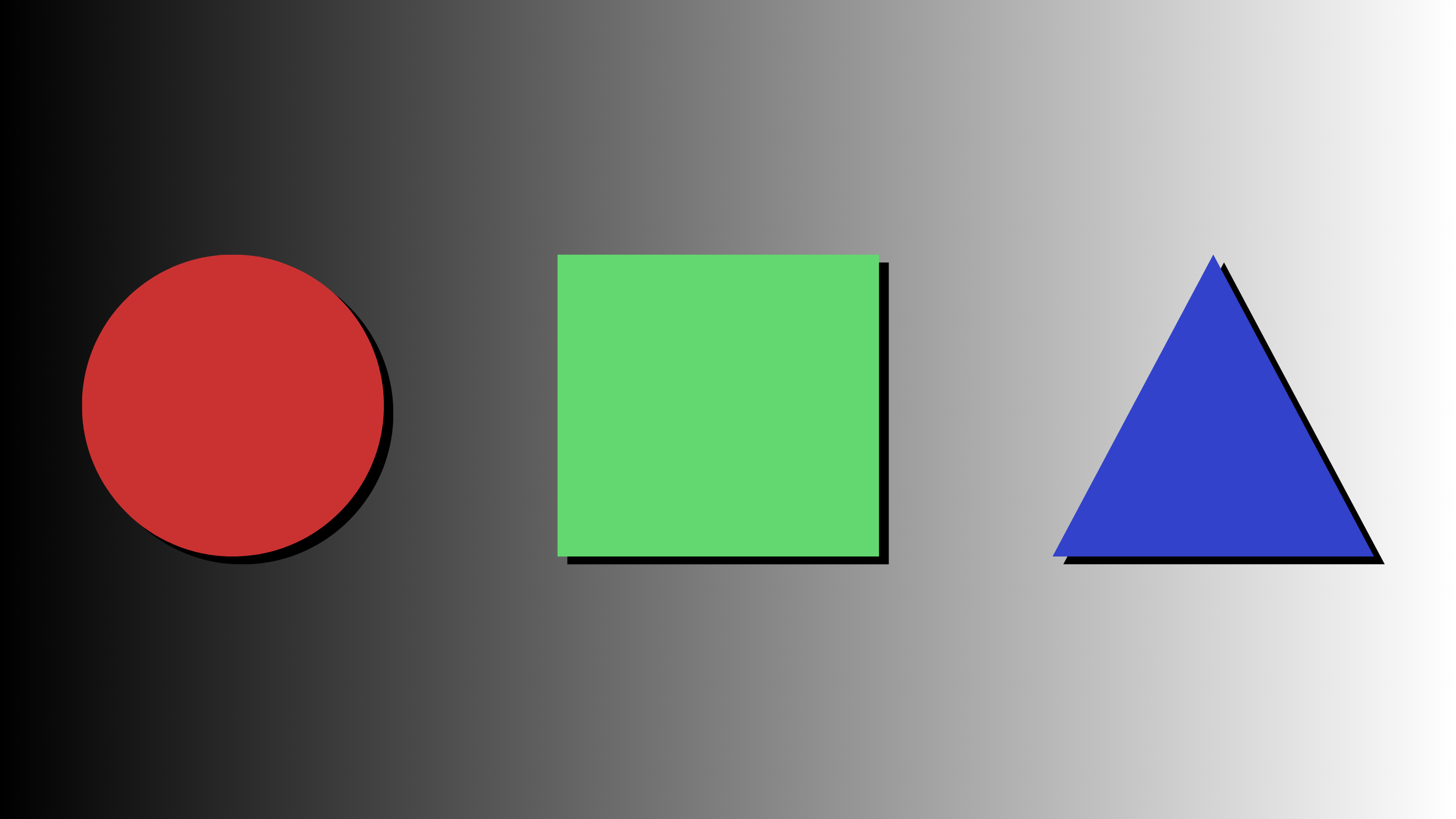



- Circle (Red): shape="circle" coords="x,y,radius" - Opens Circle Page - Hover to see glow effect!
- Rectangle (Green): shape="rect" coords="x1,y1,x2,y2" - Opens Square Page - Hover to see glow effect!
- Triangle (Blue/Purple): shape="poly" coords="x1,y1,x2,y2,x3,y3" - Opens Triangle Page - Hover to see glow effect!
Specification: Interactive image map with clickable brand logos
Instructions: Hover over and click on the Apple logo to visit Apple's iPhone page, or the Google logo to visit the Google Store



- Link 1: Apple logo (left) - Links to Apple's iPhone page
- Link 2: Google logo (right) - Links to Google Store for Pixel smartphones
- Hover Effect: Logos display drop shadow on hover
- Transition: Smooth 0.3s ease animation